
In short
- A fixed default expresses one permanent preference.
- Last Printer Used follows printing history at the current network location.
- A priority list follows your preferred order among printers that are currently available.
The three selection models
- Fixed default: always preselect one named printer until you change the setting.
- Last Printer Used: preselect the printer used most recently at the current network location.
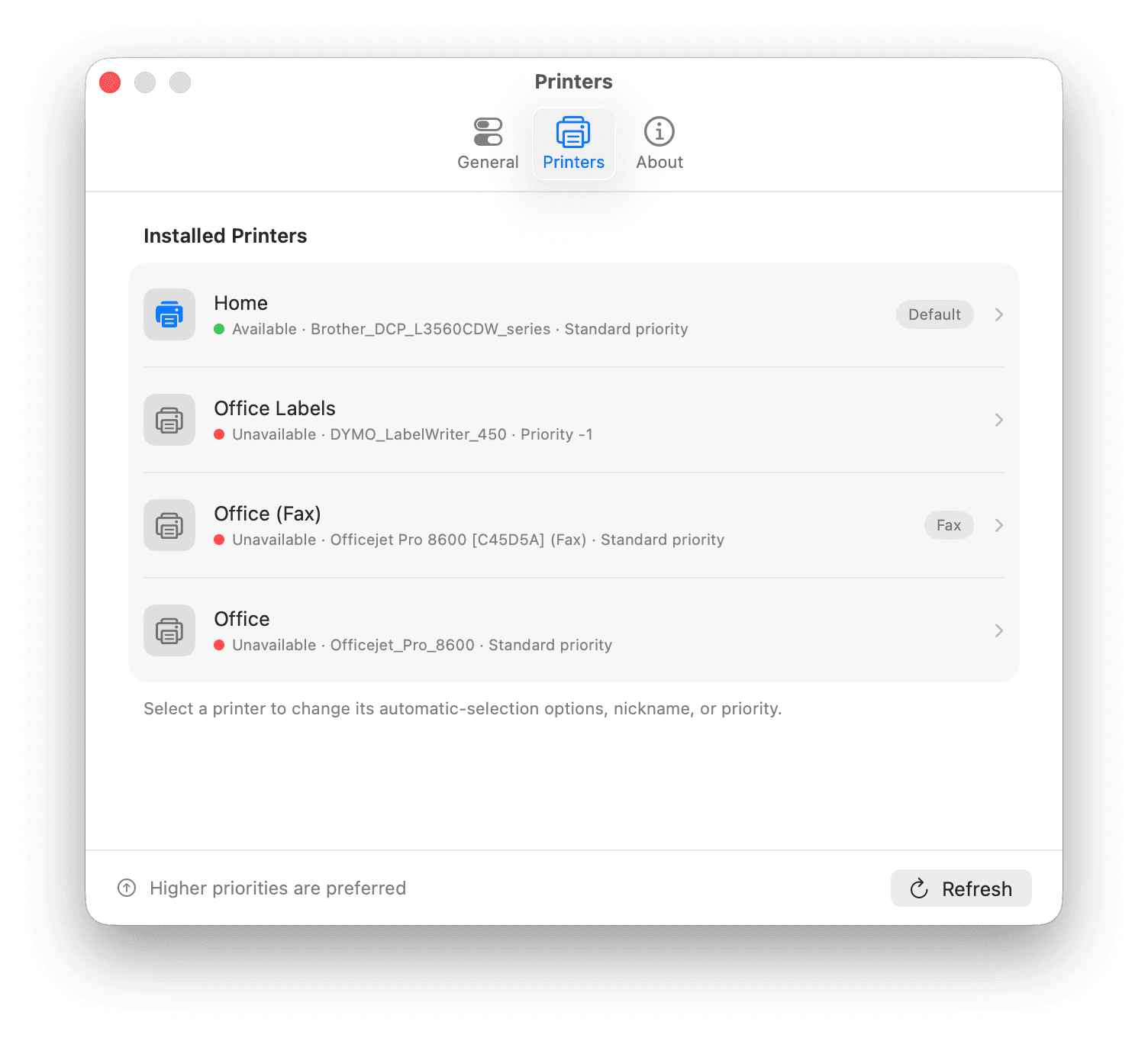
- Availability-based priority: evaluate eligible printers in your preferred order and select the first available option.
The first two models are built into macOS. The third requires a utility that can observe printer availability and update the macOS default. It is useful when several installed printers are valid choices but their availability changes during the day.
Priority is not the same as recent use
Imagine a colour office printer, a monochrome backup, and a label printer. With Last Printer Used, printing one label can make the label printer the next default. With a priority list, the label printer can be excluded while the two document printers remain ranked.
Priority captures what should happen, not what happened last. It also lets a preferred printer reclaim the default when it becomes available again, provided that is the behavior you enabled in the utility.
Build a useful priority order
- Start with general-purpose printersList the printers that are genuinely suitable for ordinary documents.
- Put the preferred device firstConsider location, quality, speed, colour, cost, and who is allowed to use the printer.
- Add acceptable fallbacksRank only devices you would be comfortable seeing selected automatically.
- Exclude specialist queuesKeep label, receipt, photo, plotter, secure-release, and special-media printers outside automatic selection unless they truly belong there.
- Use clear namesA useful nickname such as Office Colour or Home Laser is easier to verify than a long model identifier.
Availability needs a careful definition
An installed queue is not automatically an available printer. The physical printer might be powered off, disconnected, paused, unreachable on the network, shared by a sleeping Mac, or reporting an error.
No availability check can decide whether the printer contains the paper you intend to use or whether a colleague reserved it. Automatic selection should therefore be limited to printers that are safe general defaults, with specialist decisions left to the Print dialog.
Test the order before relying on it
- Confirm the normal stateWith all everyday printers online, verify that the first-priority printer becomes the macOS default.
- Make the first choice unavailableOnly when safe, turn it off or disconnect it and confirm that the intended fallback becomes the default.
- Restore the preferred printerCheck whether it returns to the default as expected.
- Test another networkIf the Mac travels, confirm the result at home, at work, and when no eligible printer is reachable.
What PrintPilot changes—and what it does not
PrintPilot updates the system default based on your priority list and the printers available to the Mac. It does not route a print job itself, inspect document contents, or prevent you from selecting another printer in the Print dialog.
The result is deliberately narrow: when an app opens the macOS Print dialog, the default should already be the best eligible printer according to the order you chose.