Switches automatically
PrintPilot watches which printers are available and keeps the best one selected as your macOS default.
 PrintPilot
 PrintPilot for macOS
PrintPilot automatically switches your Mac’s default printer to the highest-priority printer that’s available.
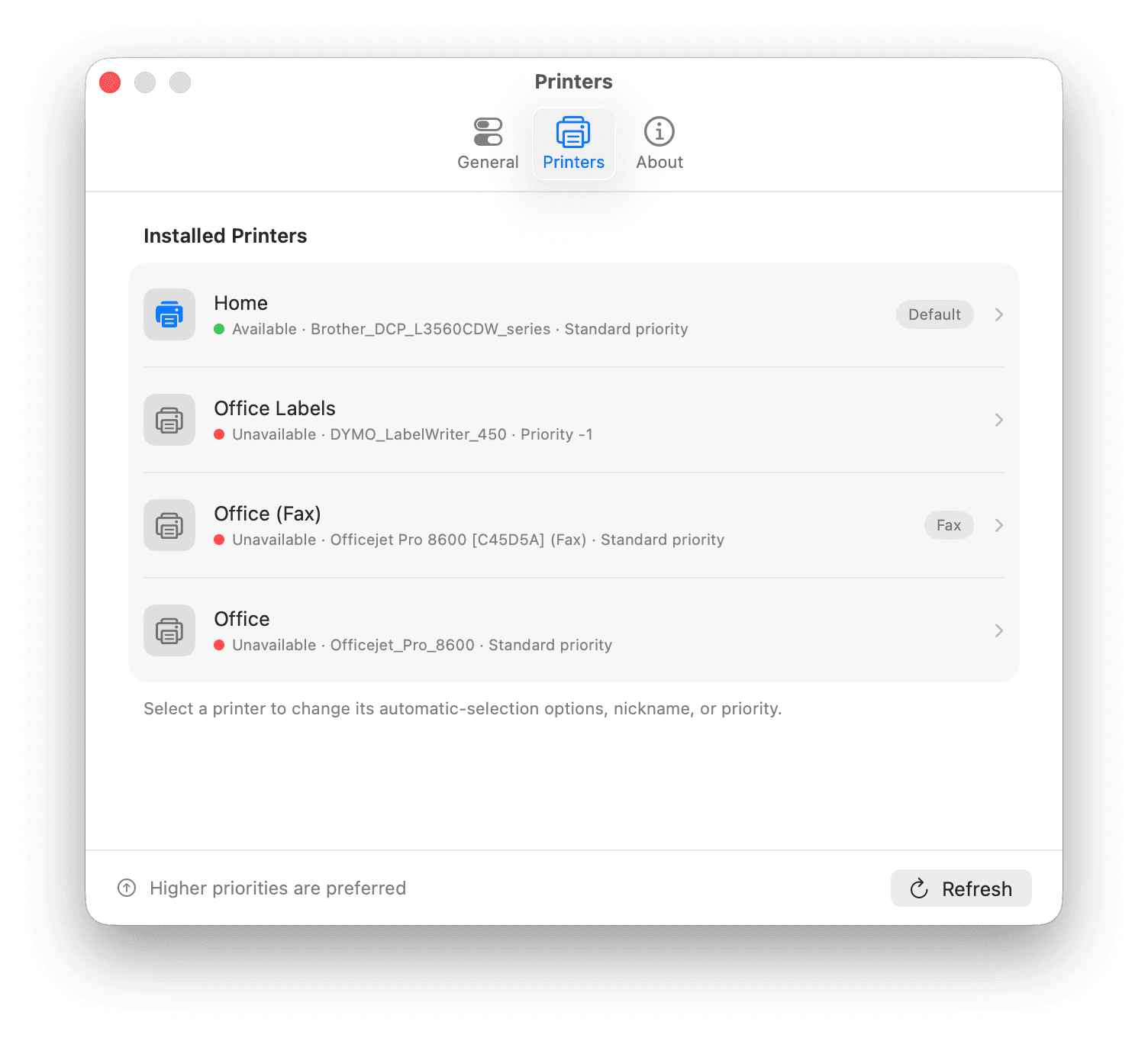
macOS can remember a fixed default or the printer you used last, but it does not follow your priorities as printers come and go. PrintPilot automatically selects the highest-priority printer that is available right now.
PrintPilot watches which printers are available and keeps the best one selected as your macOS default.
Put your printers in the order that works for you. PrintPilot always respects your choices.
A small menu bar app, quiet notifications, and no dashboard competing for your attention.
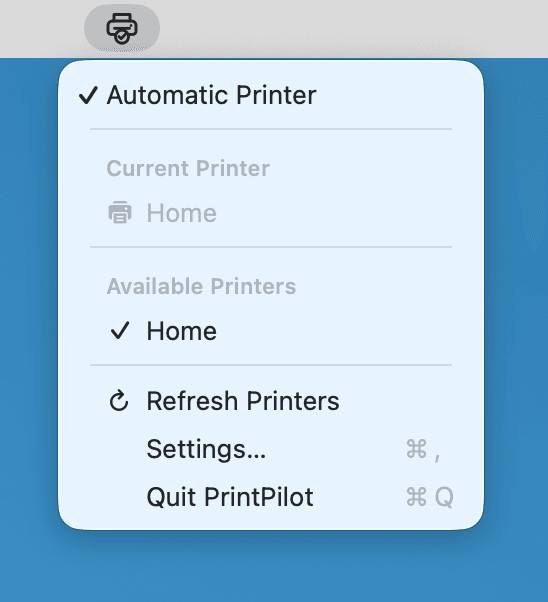
Once your priorities are set, PrintPilot takes care of the rest.
PrintPilot checks the printers installed on your Mac and sees which ones are available.
It compares the available printers using the priority order you have chosen.
The highest-priority option becomes your macOS default printer automatically.
PrintPilot has no account, cloud service, advertising, or in-app analytics. It uses macOS system APIs and stores your preferences locally.
Read the App Privacy PolicyPrintPilot can. It monitors your installed printers, keeps only the available ones, ranks them using your priorities, and updates the macOS default printer when the best choice changes.
When automatic selection is enabled, PrintPilot looks for the next eligible online printer. If a fallback is available, it becomes the new default; if not, PrintPilot can notify you that the current printer is unavailable.
PrintPilot does not track your location. It chooses from the printers currently available to your Mac, using the priority order you define. This naturally works across places such as home and the office when different printers are online.
Yes. The PrintPilot app works locally on your Mac, stores preferences locally, and uses no account, in-app analytics, tracking, cloud service, or subscription. This marketing website uses cookie-free Vercel Web Analytics and optional Google Analytics only after consent.
PrintPilot is designed for macOS 14 Sonoma and later. It is a native menu bar app built with Swift and SwiftUI.

Download PrintPilot for macOS 14 and later from the Mac App Store.